

Which Tablet to Buy for School? Check the Pen, Keyboard and SIM First
Not every Apple Pencil works with every iPad, some keyboards come in the box and others cost extra, and a cellular iPad has no SIM tray. Three checks before you choose a tablet for school.
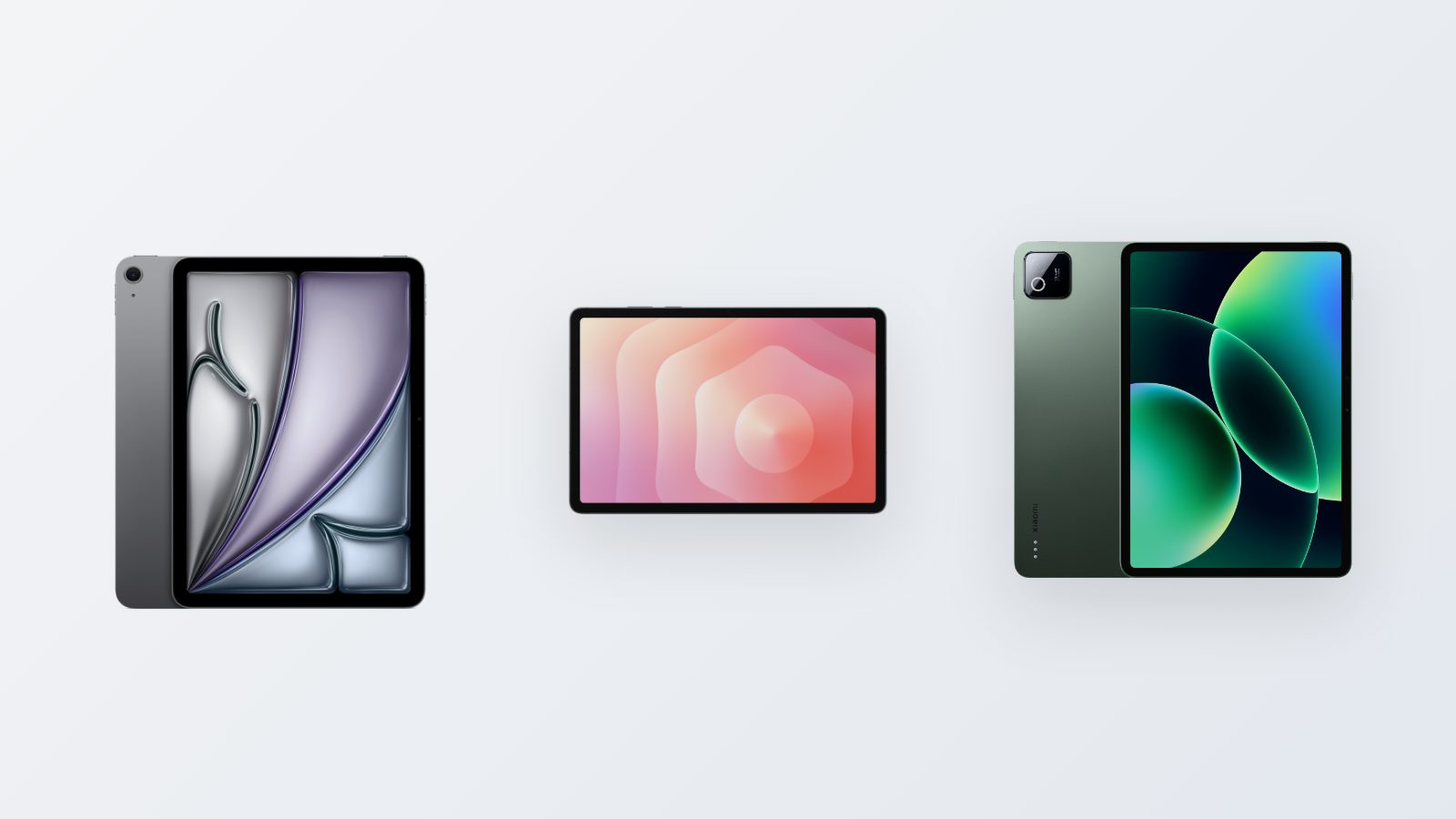
When you choose a tablet for school, the screen and the processor are usually not the problem. The problems start after you buy: a pen that won't connect, a keyboard that costs almost as much as the tablet, or a SIM that won't fit because there's no tray. It's worth settling these three questions before you pick a model.
Which pen works with which iPad
Apple sells several pens, and they don't all fit every model. The base iPad, the iPad (A16), works with the Apple Pencil (USB-C), and also with the first-generation Apple Pencil, but only through an adapter. It doesn't work with the Apple Pencil Pro. The iPad Air with an M3 or M4 chip and the iPad Pro with M5 work with the Apple Pencil Pro and the Apple Pencil (USB-C). None of these models supports the second-generation Apple Pencil. If you have a pen left over from an earlier iPad, check it against Apple's compatibility list before you buy.
On the Samsung side, the Galaxy Tab S10 Lite and Galaxy Tab S11 work with the S Pen, Samsung's pen. On Samsung's A-series models, check the product page for pen support before you plan on handwriting.
Keyboard: in the box or at extra cost
If you type a lot of papers, the keyboard's price should be part of the budget from the start. With the Redmi Pad 2 Pro and Xiaomi Pad 8 that come through the official importer in Israel, a keyboard cover with Hebrew keys is already in the box. In many other countries, the keyboard for these same models is sold separately, so if you're offered a device from another import channel, ask what's in the box. For Samsung tablets there's a Book Cover Keyboard Slim. It connects through the contacts on the back of the tablet, so there's nothing to pair and no battery to charge. It fits the Tab S10 Lite, the S10 FE and the S9 series.
Internet away from home: Wi-Fi or SIM
Most tablets are sold in two versions: Wi-Fi only, or with cellular. If you study in a library or on a campus with an open network, Wi-Fi is enough. If you also want to browse on the train, you need the cellular version. Cellular iPads have no SIM card tray and work only with an eSIM. So make sure in advance that your plan supports eSIM. On the Galaxy Tab A11 and A11+ in the cellular version, a standard nanoSIM card goes in. On the Redmi Pad 2 with 4G the tray is shared: two SIM cards, or one SIM and a memory card.
Recordings and PDFs fill up storage
Lecture recordings and syllabus PDFs add up fast. On an iPad you can't add storage after you buy, so you choose the storage size at purchase. Most of our Android tablets take a microSD card, which is an inexpensive solution for files that don't have to live in internal storage.
You can compare the models in the iPad, Galaxy Tab and Xiaomi tablets categories. On every product page, the specs say whether pen support is included and which type of SIM it takes.
- Tablet for studying
- Which iPad to buy
- Tablet with stylus
- Tablet with SIM