

Switching From Android to iPhone: What Transfers on Its Own, and What to Sort Out First
Most of your data moves in a single transfer. Four things don't, and one of them can lock you out of your bank account.
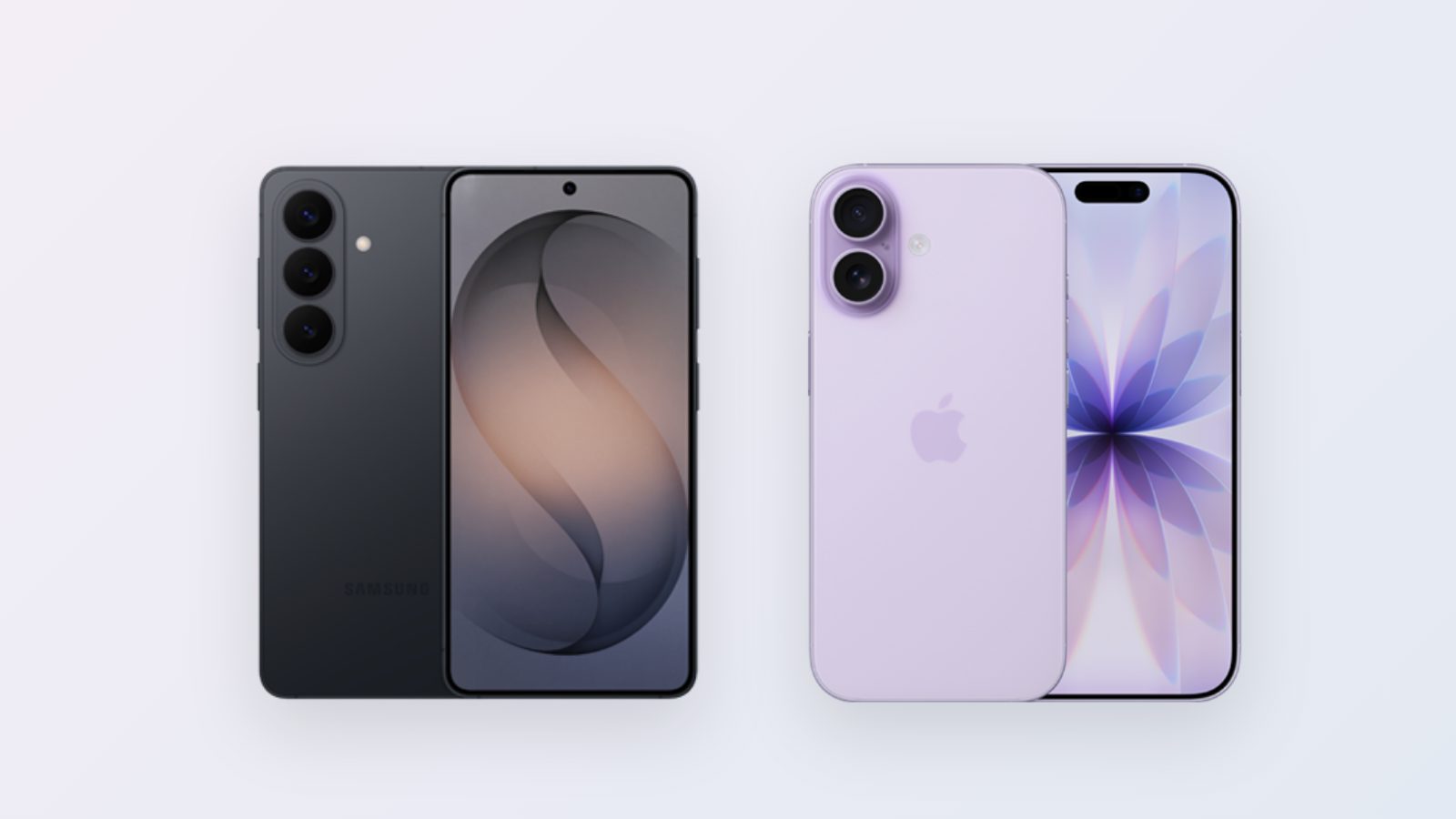
Switching from Android to iPhone works better today than the rumors suggest. Most of your data moves in a single transfer, for free and without a repair lab. Four things don't transfer on their own, and you need to sort all of them out before you reset the old device. The instructions are the same whether you're moving from a Samsung, a Xiaomi or any other Android device to an iPhone.
Transferring data from Android to iPhone with Move to iOS
Apple offers an app called Move to iOS, which you download from the Google Play Store onto the old device. It transfers contacts, SMS messages, photos and videos, email accounts, bookmarks and calendar events.
You start setting up the new iPhone, choose "Move Data from Android," and open the app on the old device. It's best to have both devices plugged in and close to each other.
The transfer is available only during the iPhone's initial setup. If you've already finished setting it up, you have to reset it and start over. This is the most common mistake in the switch.
If the transfer gets stuck, in most cases the cause is the connection. Turn off mobile data on the Android device, leave both devices alone until it finishes, and don't open other apps in the meantime. Transferring a lot of photos can take up to an hour.
Transferring WhatsApp from Android to iPhone
WhatsApp moves in the same process, as long as you select it in the Move to iOS list and confirm the transfer when WhatsApp on the old device asks. You need to use the same phone number on both devices, and this too only works during the initial setup.
If you miss that window, the history stays on the old phone. The WhatsApp backup on Android is stored in Google Drive, and an iPhone can't restore from it.
Paid apps and subscriptions
A purchase made in Google's store doesn't carry over to Apple's store. An app you bought, you'll have to buy again, and there are Israeli apps that exist in only one of the stores. It's worth going over the list before you switch.
A subscription paid through Google's store will keep being charged even after you've switched. Cancel it at play.google.com/store/account/subscriptions and renew it on the iPhone, or switch to paying the service directly.
Two-step verification: the item that can lock you out
Authenticator apps like Google Authenticator keep their keys on the device itself, and they don't transfer with Move to iOS. If you reset the old phone before moving them, you lose access to every account they protect.
There are two ways to do it right. You can use the authenticator app's export option, or you can sign in to each important service and set up verification again on the iPhone. Either way, it's a good idea to keep recovery codes in a separate place.
Before you sell the old phone
Don't reset the Android until you've checked that you can sign in from the iPhone to your bank, your email and Bituach Leumi (Israel's National Insurance Institute), that your WhatsApp chats are in place, and that the number of photos is the same. Count them; "looks fine" isn't enough. Then remove the SIM card, sign the device out of the Google account and reset it to factory settings. A device that hasn't been signed out of the account stays locked on the buyer's end.
The whole process, including the arrangements around it, takes about two hours. Don't start it a quarter of an hour before you need your phone. If you haven't picked a model yet, we can help with which iPhone to buy.
- Switch from Android to iPhone
- Transfer WhatsApp
- iPhone
- Android