

Non-genuine battery or screen in an iPhone: what the phone will show, and what will stop working
After a battery or screen replacement, the iPhone knows whether the part is genuine. Where to see it, what may not work with a third-party part, and what a used genuine part is.
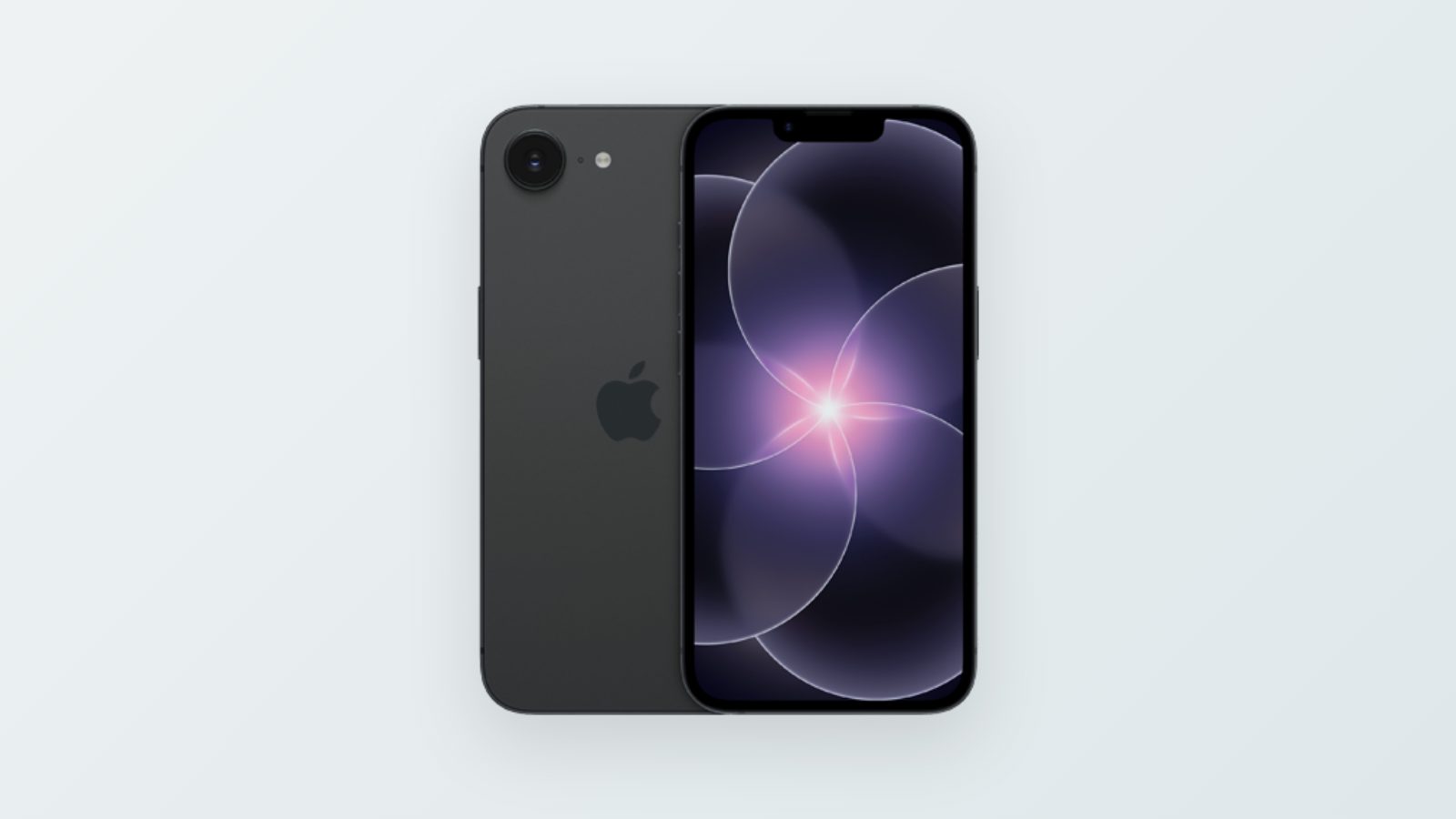
After a battery or screen replacement on an iPhone, a message sometimes appears saying the phone cannot verify the part. That does not necessarily mean the repair failed. But it is worth knowing what the message means, and what may not work with a third-party part.
Where to see what was replaced
If the iPhone has been repaired, Settings → General → About shows a Parts and Service History section. Next to each replaced part it says Genuine (a genuine Apple part), Used (a used genuine part) or Unknown (not recognized). On iPhone 12 and later, the list covers the battery, display, logic board and cameras. On iPhone 11, it covers the battery and display.
Non-genuine battery
With a battery Apple does not recognize, the Battery Health screen shows the message "Unable to verify this iPhone has a genuine Apple battery". Since 2024, Apple still shows the health data, with a note that it cannot verify it. In other words, the phone works, but the percentage shown there cannot be fully trusted.
Non-genuine screen
According to Apple, a third-party screen can cause touch problems: areas that do not respond, touches that do not register, or a screen that stays on during a call. Colors, maximum brightness and auto-brightness may also suffer, and the battery may drain faster. Since 2024, True Tone can be turned on with a third-party screen too, but Apple only promises "the best possible performance".
The one area closed to third-party parts is biometric recognition: Face ID and Touch ID parts that are not from Apple do not work.
Used genuine part: a third option
Since iOS 18, on iPhone 15 and later you can install a genuine battery, screen or camera taken from another iPhone. These parts are marked Used and get full calibration, just like a new part. There is one condition: if the part came from a device locked with Activation Lock, Apple limits its calibration.
"Finish Repair": the forgotten step
After a repair, a Restart & Finish Repair button sometimes appears next to the part, on the same parts history screen. It calibrates the part on the device itself, on iPhone 12 and later and on iPhone SE (3rd generation). It needs Wi-Fi and at least 20% battery to work. Until the process is complete, Face ID or Touch ID will not work for unlocking the phone or for payments.
Before replacing a part, ask the repair shop which part will be installed: new genuine, used genuine or third-party. After the repair, check what the parts history says. If the battery is the reason for the repair, first go through the checks for a battery that drains fast. Whatever the checks did not solve, bring to our repair lab.
- genuine iPhone battery replacement
- iPhone screen replacement
- iPhone unknown part
- Parts and Service History